

Tutorial
Explore step-by-step tutorials on open-source software, 3D printing, and deployment templates. Learn how to integrate tools like Medusa, Payload CMS, and Vendure, or set up custom solutions with Raspberry Pi and more. Perfect for developers and makers looking to simplify complex tasks with clear guides and actionable insights.
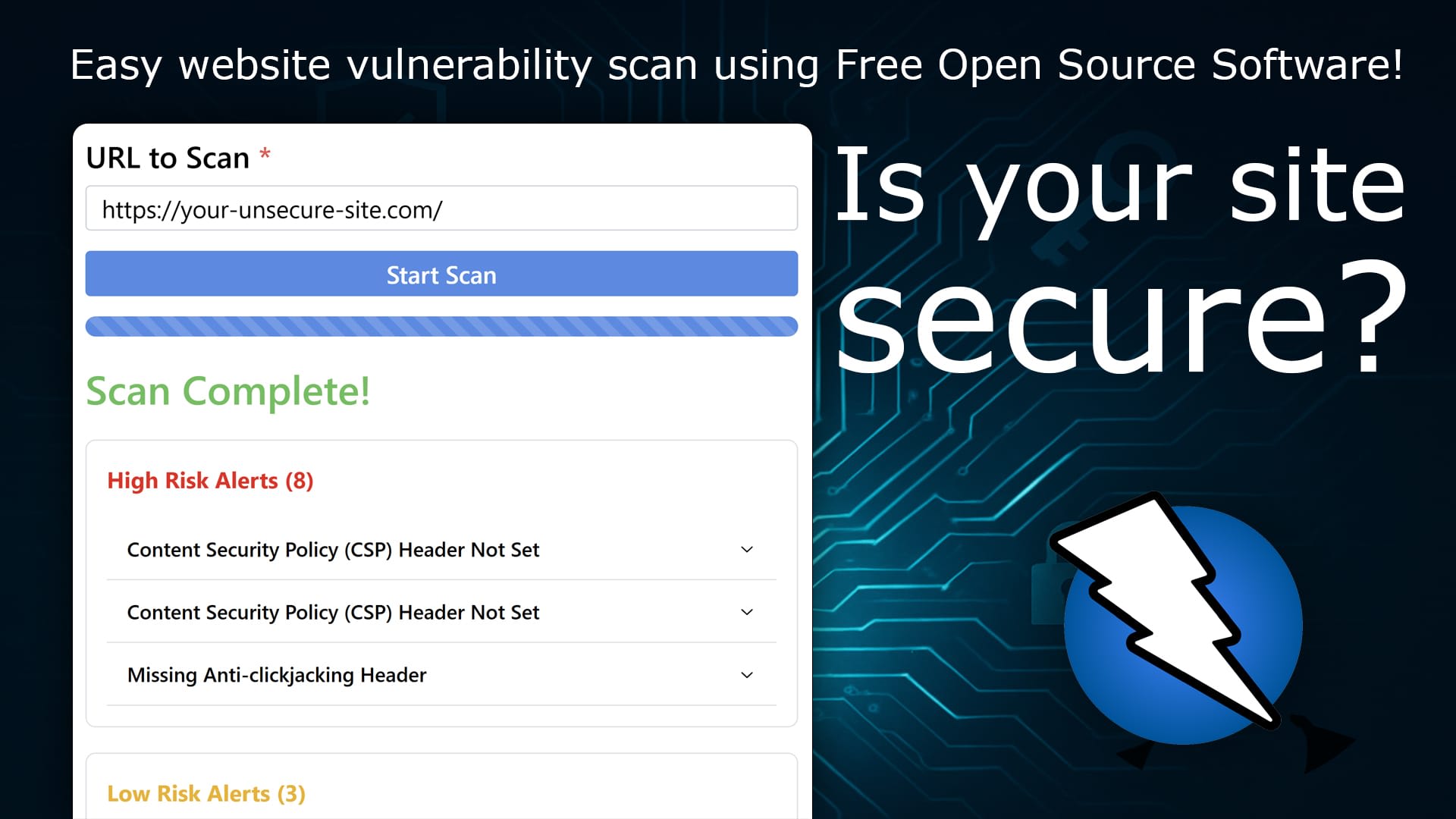
How to Run an OWASP ZAP Vulnerability Scan Online Without Local Installation
Learn how to perform an OWASP ZAP vulnerability scan on any website without installing anything on your computer or relying on untrusted websites. A simple, secure approach to web application security testing.
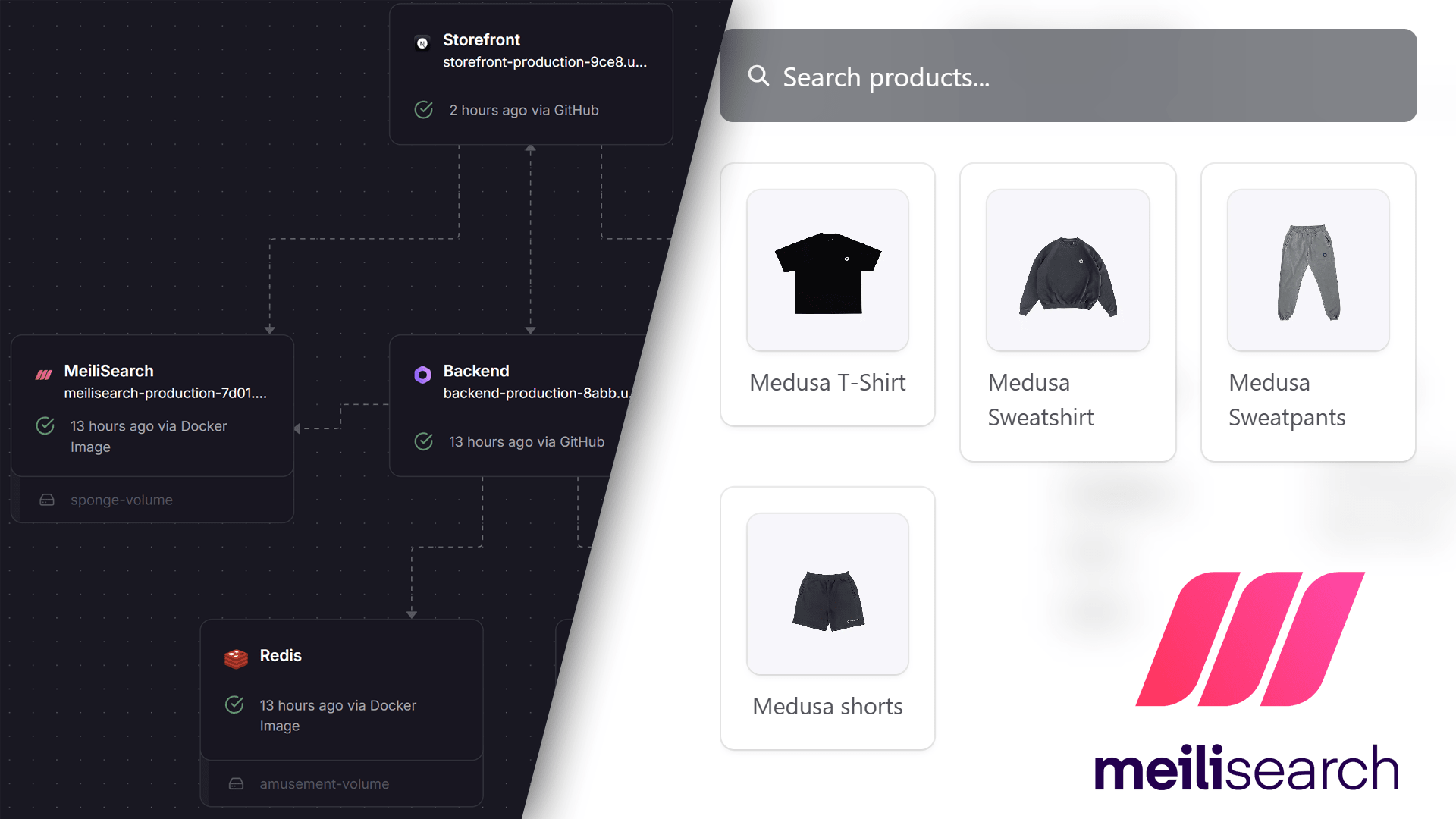
How to Add MeiliSearch to Your Medusa 2.0 Project
Enhance your Medusa 2.0 project with powerful search functionality using MeiliSearch. This guide walks you through setting up a MeiliSearch instance, configuring the backend with a community plugin, and integrating it into your storefront for seamless product search.
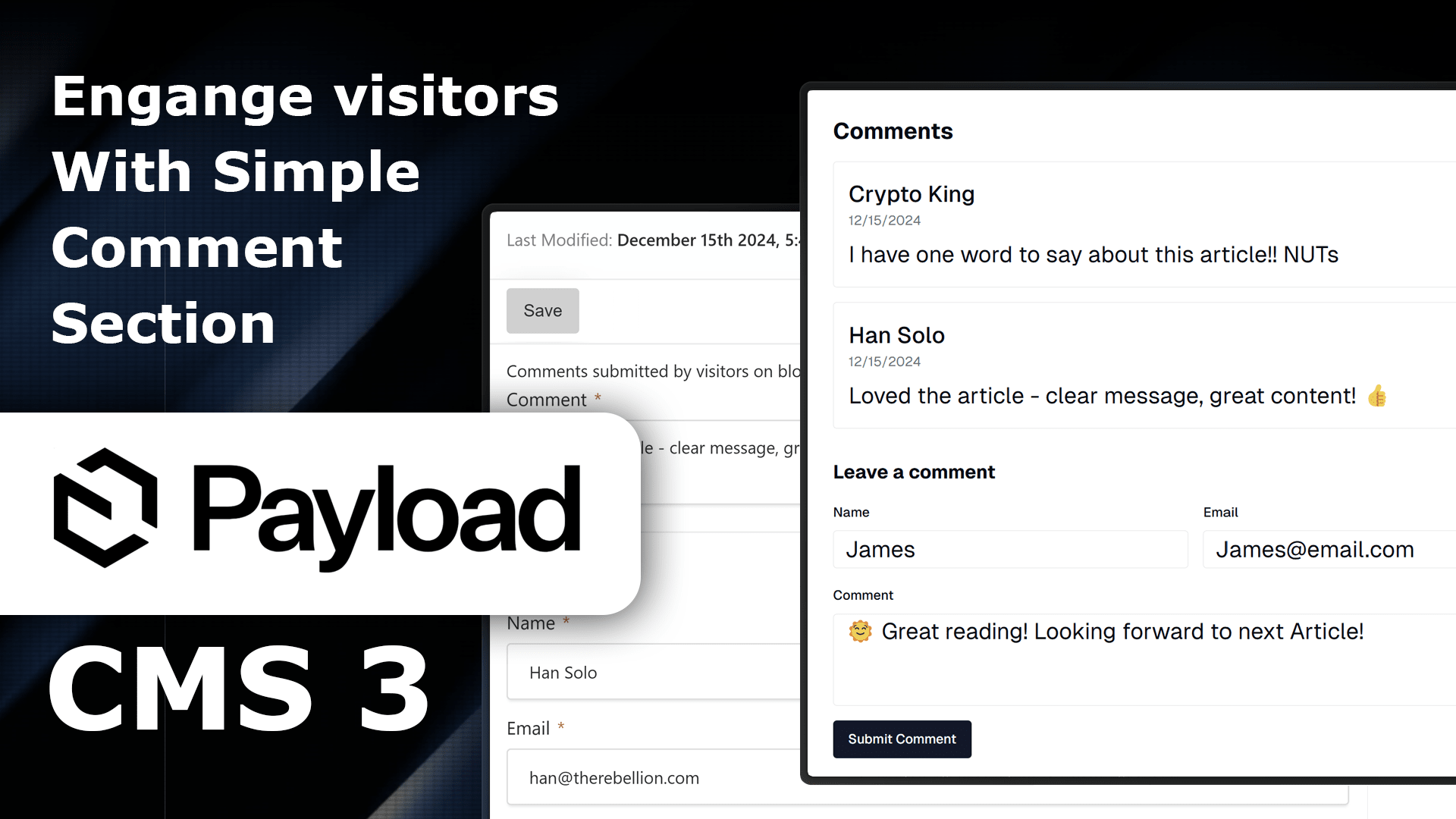
How to Add Comment Section to your Pages with Payload CMS 3
Learn how to integrate a comment system into your Payload CMS v3 project with React. This guide offers 4 simple steps for creating a server-rendered Comment List and a client-side Comment Form, making it easy to boost user interaction in your web app. Suitable for developers at any level!
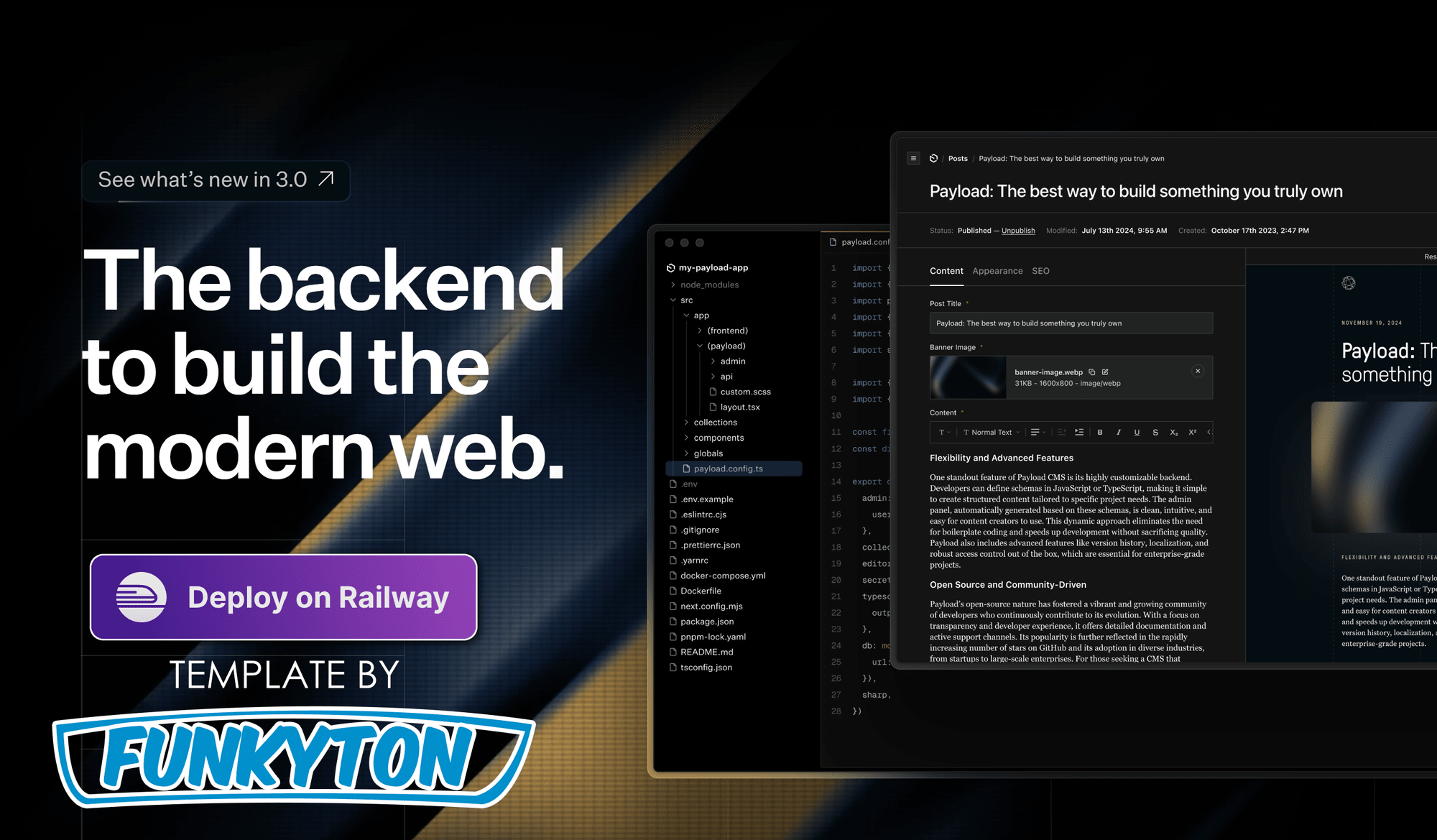
Payload CMS 3 - Open source website builder
Discover the flexibility and control of Payload CMS, a fully open-source website builder. Explore its features, ease of use, and customization potential. Whether you're building a blog or complex site, Payload offers endless possibilities. Deploy your own instance with our 1-click template.
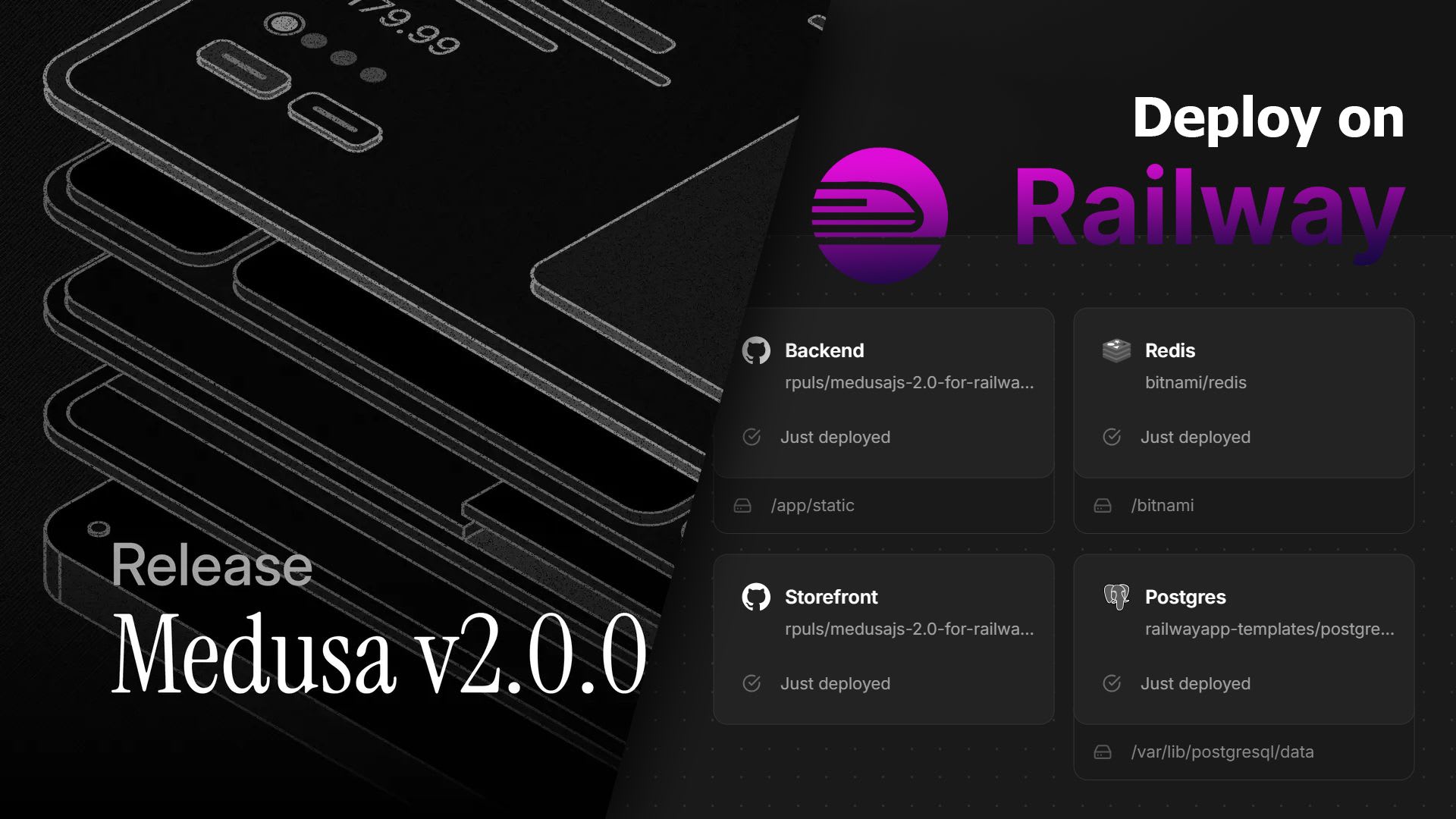
Medusa 2.0 on Railway: One-Click Deploy Template & Setup Guide (2026)
MedusaJS 2.0 is here! Enjoy a revamped admin dashboard, multi-warehouse inventory, and a new promotions engine. Perfect for developers with enhanced customization options. Deploy effortlessly with the updated Railway template and kickstart your e-commerce journey today!
How to Run your Medusajs 2.0 boilerplate locally
Learn how to run your MedusaJS 2.0 boilerplate locally with this step-by-step guide. Set up essential tools like Git, VS Code, and Node.js, and configure your environment for local development. Perfect for customizing your Medusa project beyond the one-click deploy setup!
How to add Stripe payment module to Medusajs 2.0
Easily integrate Stripe payments into your MedusaJS 2.0 setup with this guide. Includes links to documentation, configuration examples, and video instructions. Set up webhooks, environment variables, and payment events for a seamless checkout experience in your Medusa webshop!
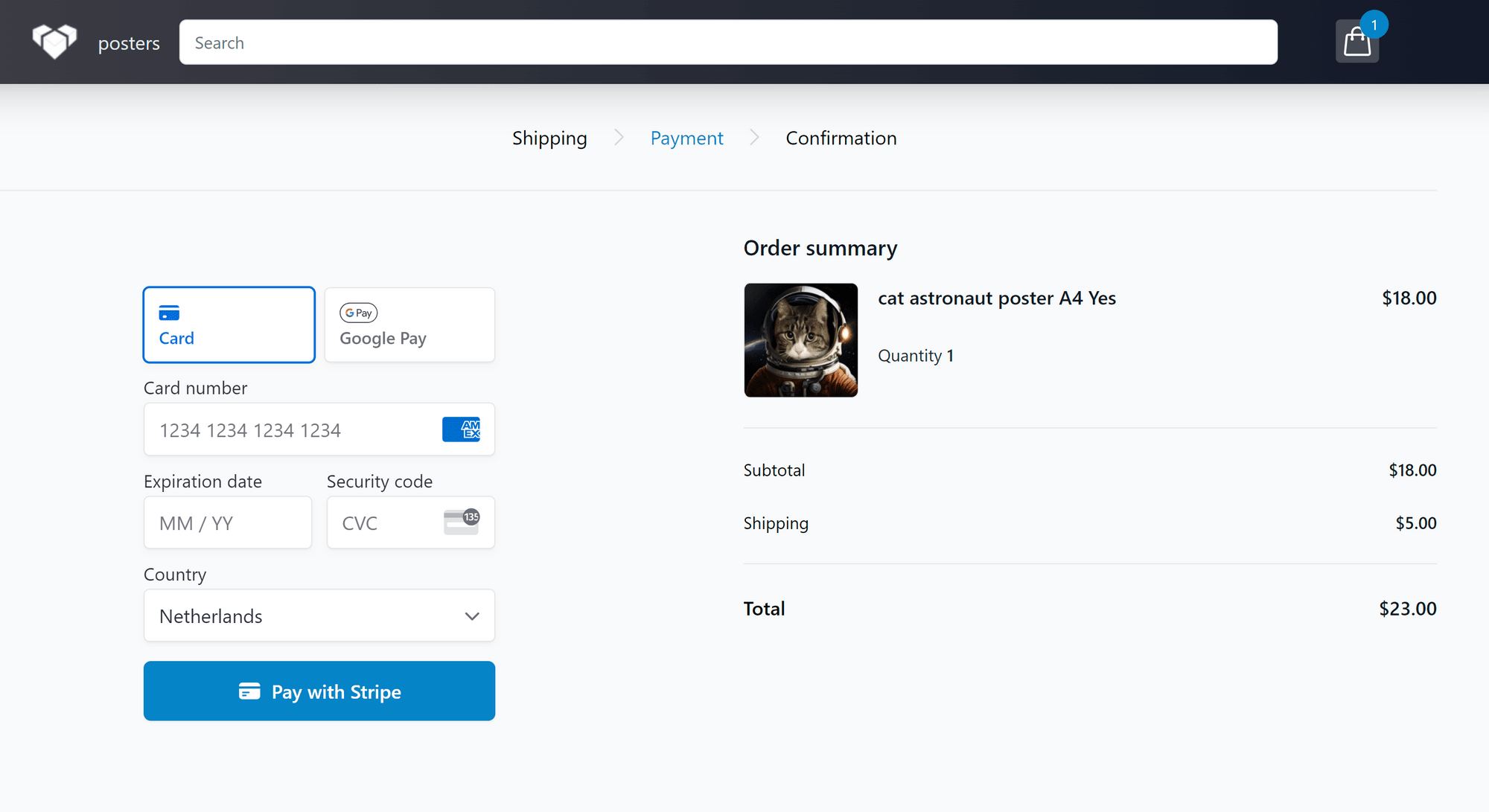
Tutorial: Add Stripe credit card payment to Vendure
This tutorial guides you through integrating Stripe payments into your Vendure webshop, enabling credit card and Google Pay options for customers. Follow the step-by-step process to set up Stripe, configure webhooks, and update your Railway deployment for a seamless checkout experience.
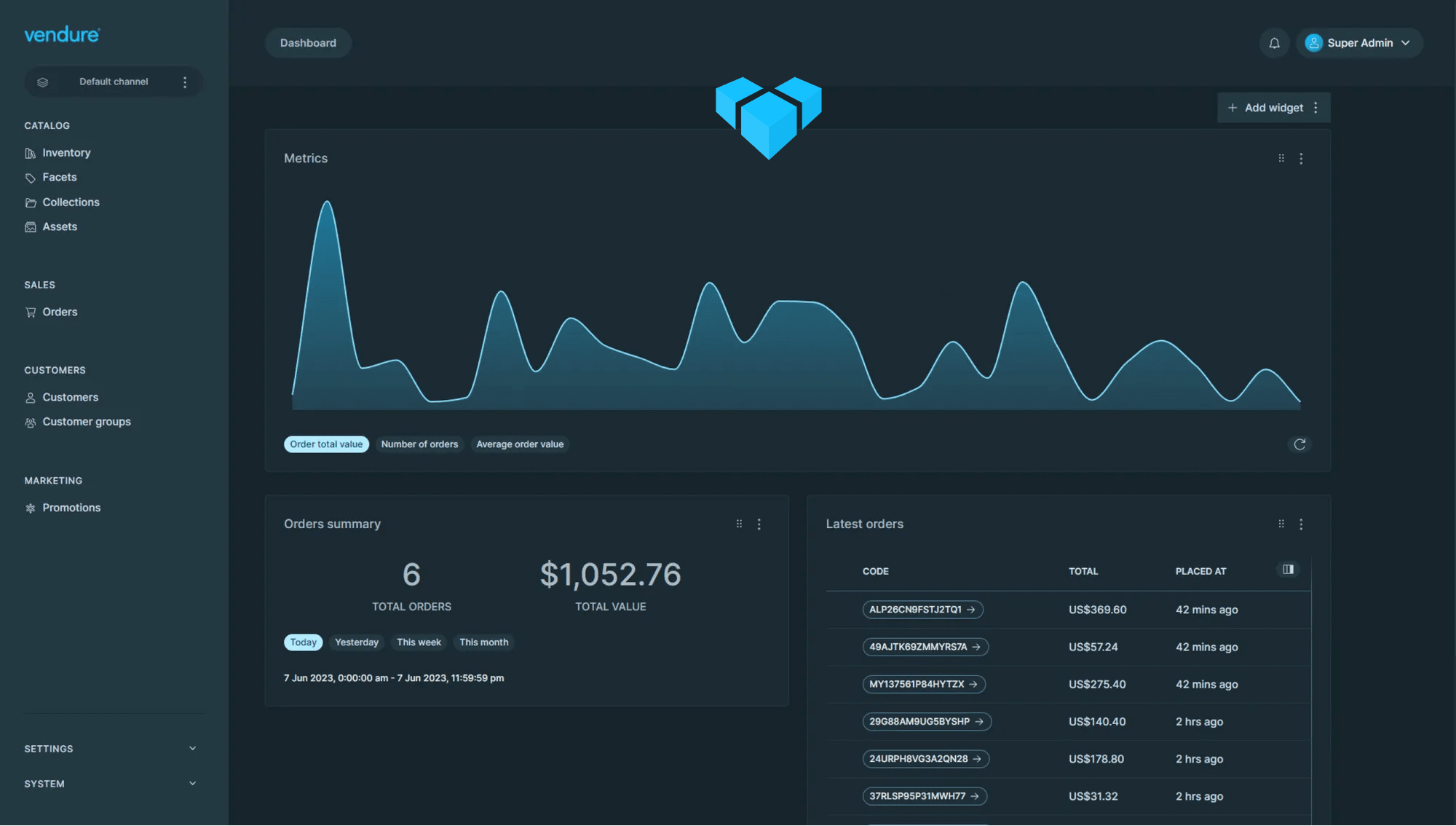
Vendure Commerce Platform, Review and Tutorial - Yet Another Open Source Shopify Killer?
Learn how to host your Vendure webshop on Railway.app using a one-click deploy template. This step-by-step guide ensures a quick and easy setup, perfect for those seeking a hassle-free hosting solution for their online store.

Tutorial: Personalize your MedusaJS webshop (storefront)
Learn how to customize your MedusaJS webshop in this step-by-step tutorial. From setting up tools like Git and VS Code to making code changes and deploying updates, this guide ensures your storefront is tailored to your needs. Includes updated steps for recent Railway changes!
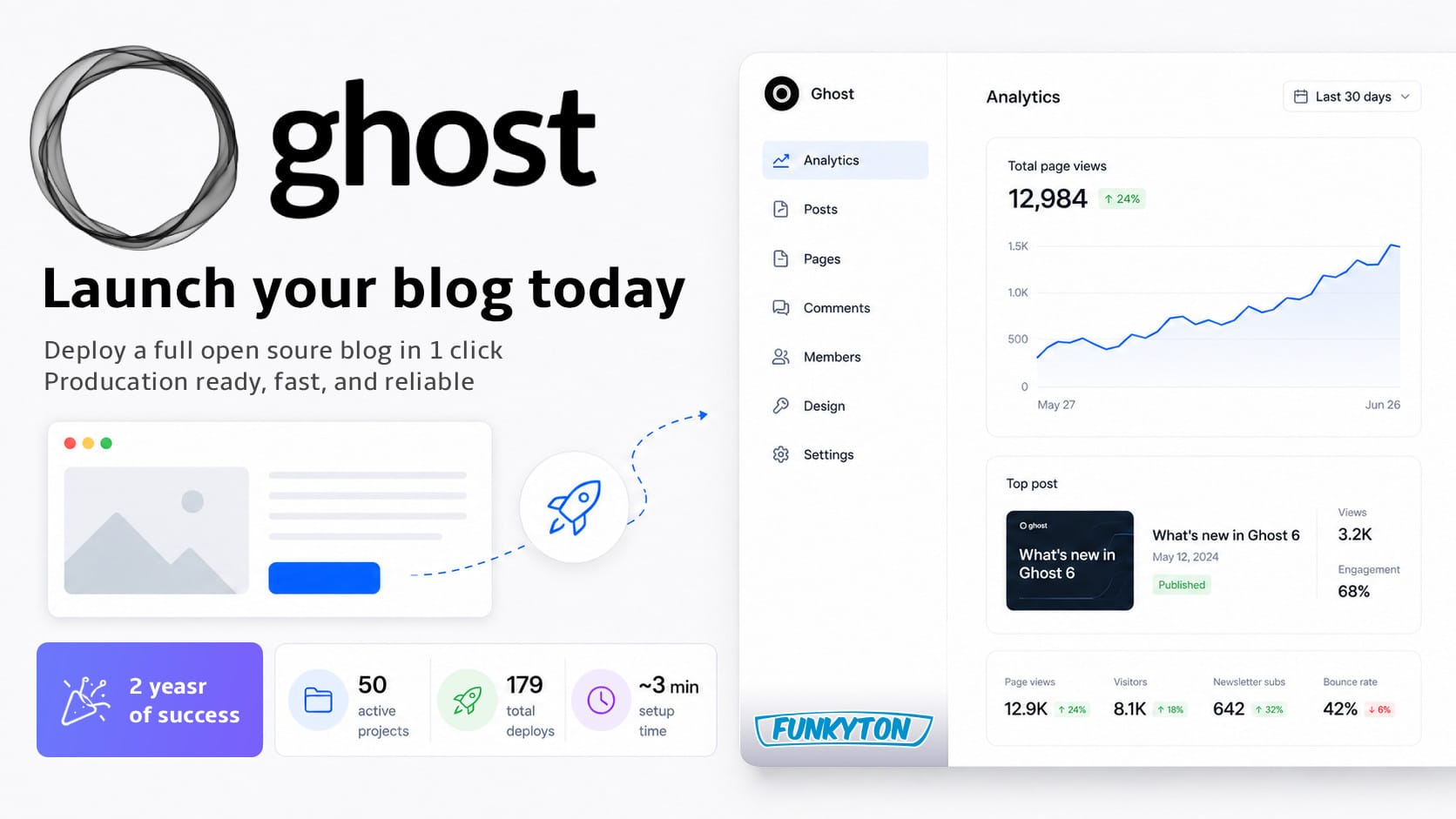
Ghost CMS 6: Deploy a Full Open Source Blog in 1 Click
Deploy the full Ghost CMS 6 on Railway with one click. Get the full open source CMS, lower hosting costs than managed plans, no server setup, and optional Mailgun and Cloudinary support, with unpacked source code you can customize when needed.
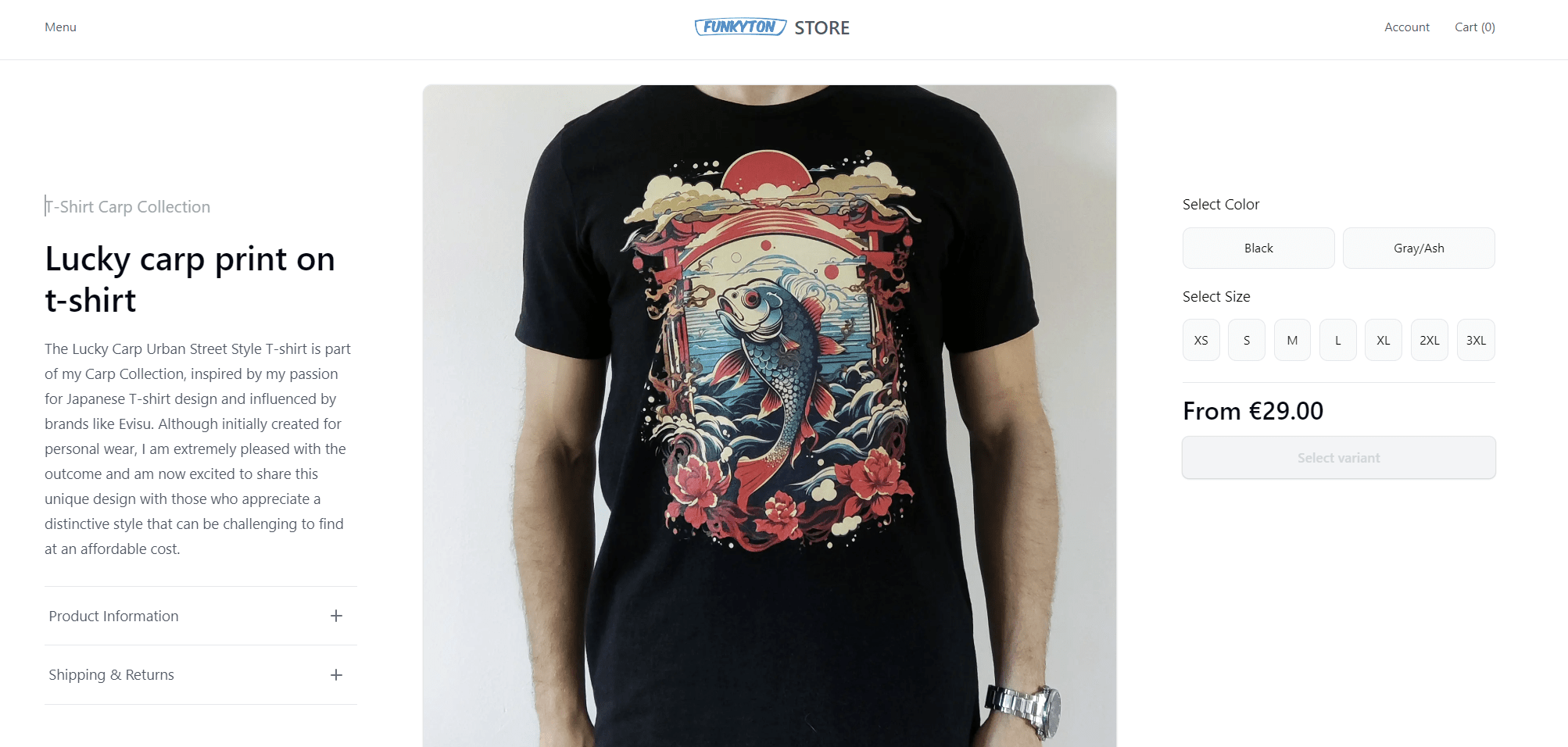
Tutorial: Medusajs on Railway - DIY ecommerce, has never been easier!
Complete guide and 1-click deploy template for Medusa.js v1.x. Launch a full e-commerce solution with webshop, order, and product management in under 30 minutes. Perfect for those who prefer the original Medusa version over the new 2.0 release. A step-by-step tutorial to get you started fast!
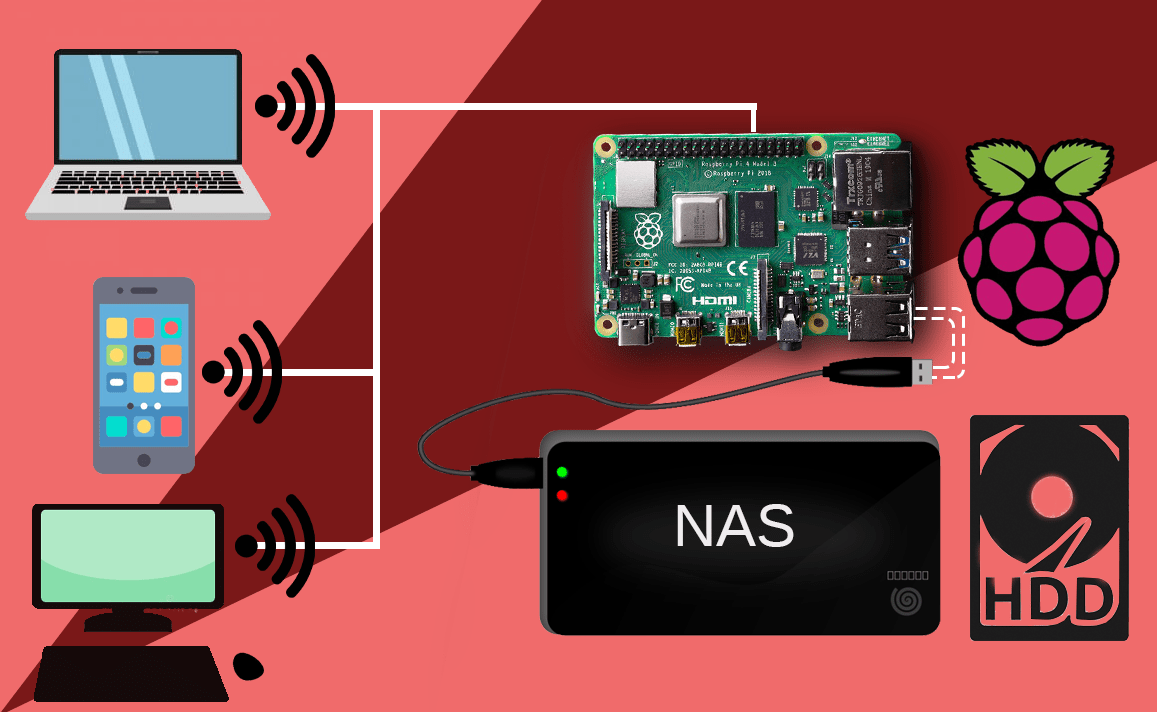
Turn Raspberry Pi + external HDD into NAS
Transform your Raspberry Pi and external HDD into a powerful NAS (Network Attached Storage) for seamless file sharing across devices. This guide covers Samba installation, configuration, and setting up network drives for easy access on Windows and other systems. Personal local cloud drive!
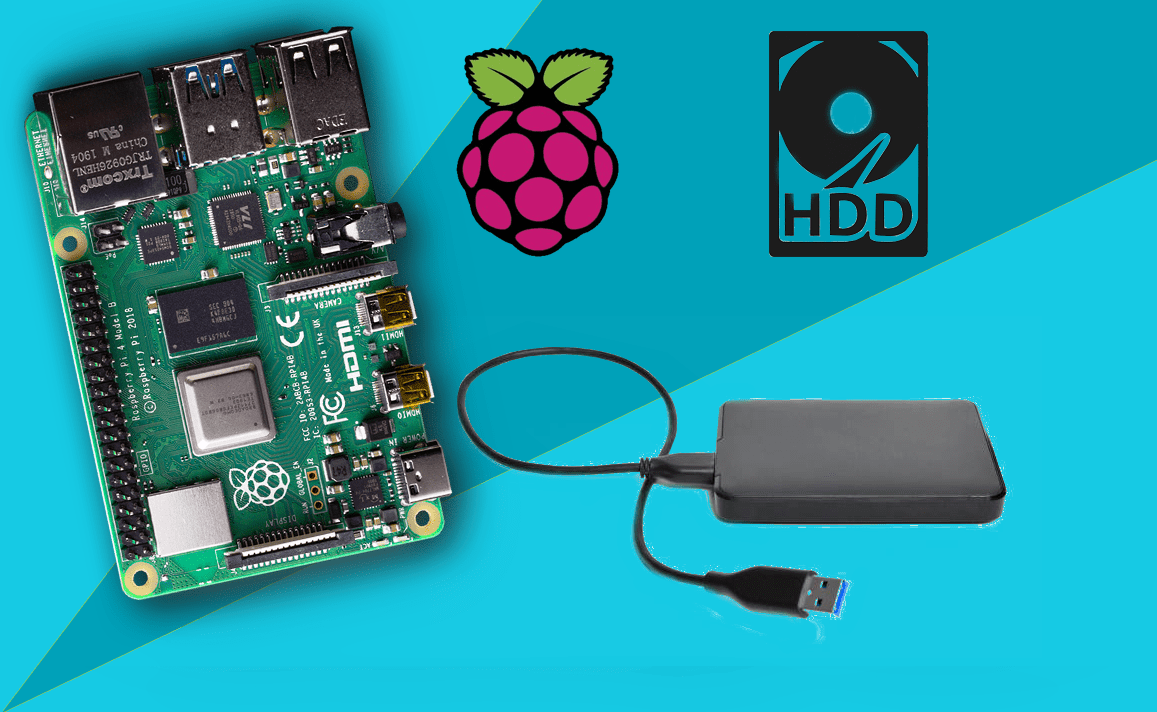
Add external hard disk to Plex Media Library (on PMS)
Expand your Plex Media Server by adding an external hard disk to your Raspberry Pi. This guide walks you through mounting the HDD, setting up permissions, and configuring Plex to browse your media files. Ideal for creating a scalable media library without relying on SD card storage!
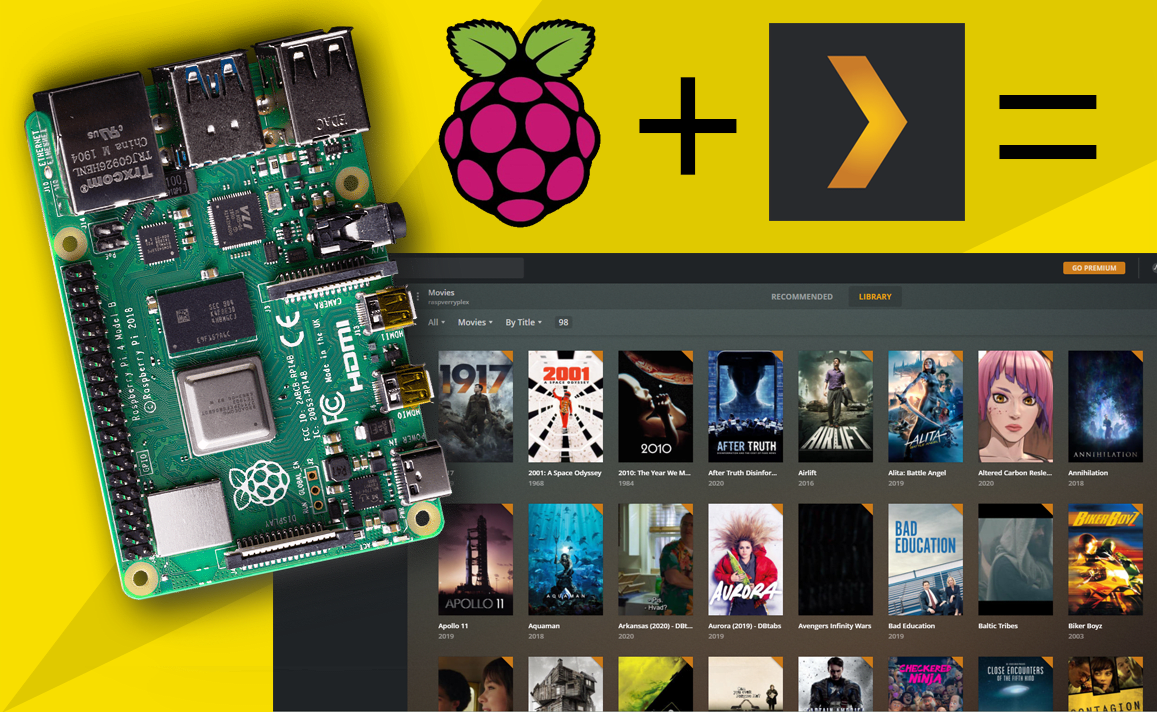
Install Plex Media Server on Raspberry Pi OS
Learn how to install Plex Media Server on Raspberry Pi OS with this step-by-step guide. Optimize your Raspberry Pi 3 or 4 for media streaming by using the lightweight Raspberry Pi OS Lite. Perfect for building a powerful, headless media server. Start streaming your favorite content today!
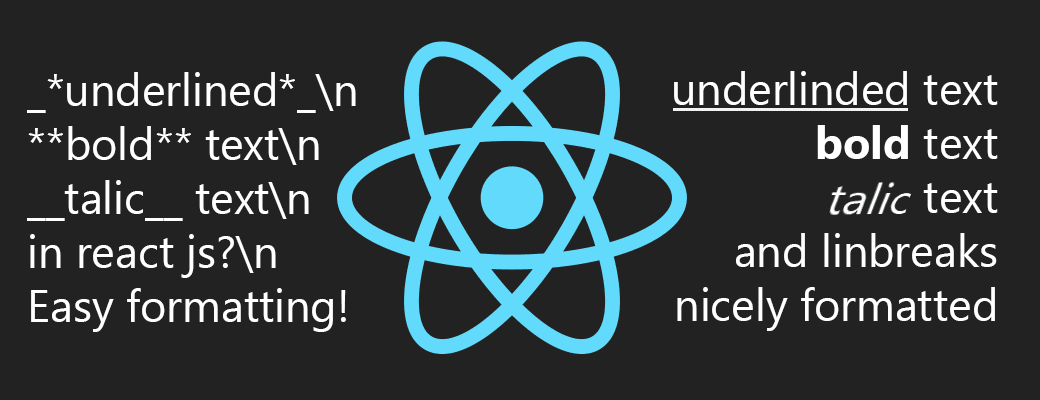
Generate react.js elements from markdown like text
Learn how to render dynamic text into React elements with a lightweight, recursive JavaScript function. This approach supports line breaks, bold, italic, and underline formatting without external libraries, ensuring simplicity and maintainability for modern web applications.